

Europe, USA, South America, the UK, Australia, and the Philippines.
You can download them here: https://caplab.becdn.net/mod/MAPS.ZIP
To install the maps, follow these steps:
1) Click the "Load Regional Map" button:

2) Click the "Open Folder" button at the bottom‑left of the window:
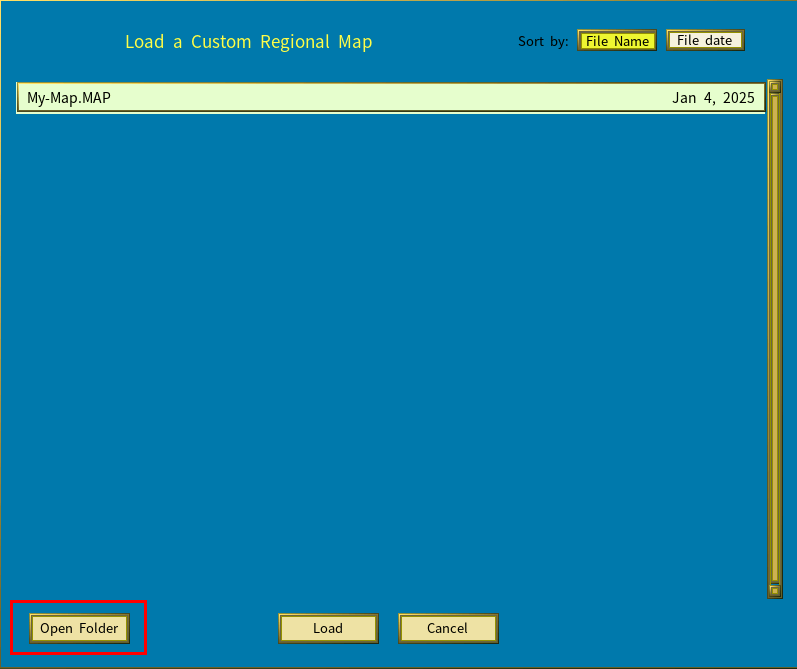
3) Unzip the downloaded files into that folder.